Build an artist website using Squarespace, with Gayle Mahoney
Category
Admission
- $140.00 - CAA Member
- $160.00 - General Admission
Location
Description
Build an artist website using Squarespace, with Gayle Mahoney
Wednesdays, February 8, 15, 22, and March 1, 8, and 15 (6:00-8:00pm) on Zoom
This intensive, hands-on course will guide you in creating your own professional artist website with a beautiful design, clean and compelling content, with shopping cart option. Squarespace is a powerful, easy-to-use web platform designed with artists in mind. This is a great workshop for those starting from scratch on their website, or for those looking for extra training on a Squarespace site they already have.
Your website will include: Home page, Portfolio(s), Artist Statement, Artist Bio, Artist Resume/CV, Blog, Contact page. Optional: Links or other content pages, and a shopping cart if you want to sell directly through your website.
Lesson 1 – Getting Started in Squarespace: This week we will dive right in to build your Squarespace website by creating a Squarespace account, choosing a template, and setting up your website’s basic navigation and pages.
Lesson 2 – Styling and Customizing Your Design: Learn how to change fonts, colors and style site elements like buttons and forms. We will walk through pre-formatted page styles and you will learn how to customize them by adding and styling content on your pages.
Lesson 3 – Populating Your Content: Upload and style your text content and image portfolios; plus blog set up and styling.
Lesson 4 – E-Commerce: Creating Your Squarespace Shop: Learn how to upload your products and how to organize your shop using Categories and Tags; learn about payment portal and shipping options.
Lesson 5 – Going Live! This week we will go through the website launch checklist to make your site live.
Lesson 6 – Troubleshooting– Working out any issues post-launch; basic SEO to get your website seen in search: Set up Google Analytics and Google Search Console accounts; registering your site with Google and Bing; options for adding Google My Business
Each session will be recorded and emailed to participants.
Materials List for Attendees: You will need a laptop or desktop computer (Mac or PC) with wifi access and a recent browser version (Chrome, Safari, Edge, Firefox etc). Web camera is recommended so the class can see you in Zoom sessions but not required. Note: Although there is a mobile version on Squarespace available for quick updates, it isn’t currently possible to access all the features needed to build a site using a tablet or phone.
Prerequisite for attendees: Must have basic computer skills (such as those needed for using email, searching the internet). NO prior web experience necessary.
Maximum number of attendees: 12
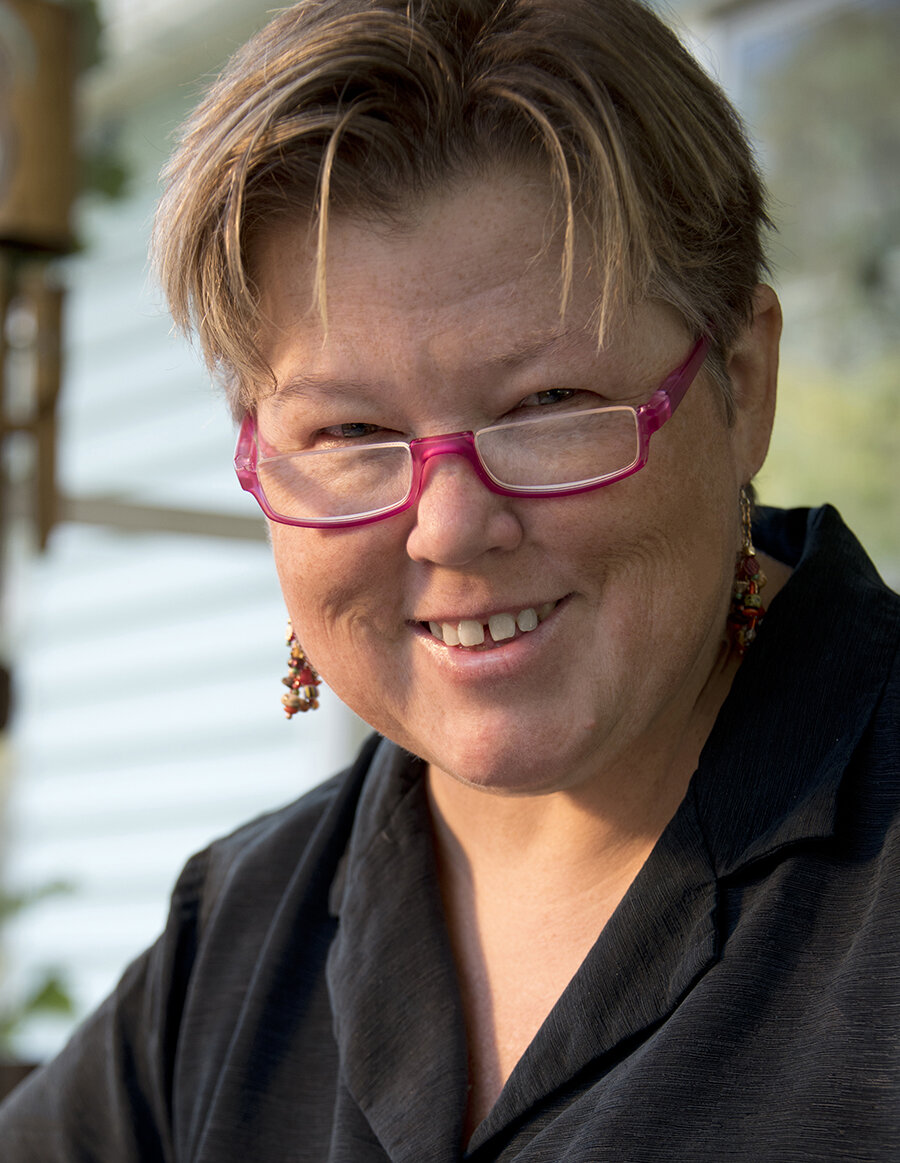 About Gayle Mahoney
Gayle Mahoney owns a branding and design company specializing in the art and design industry. She started her career as an art director at magazines and advertising agencies in New York City, developing ad campaigns, branding and websites for many Fortune 500 companies. She has bridged her marketing and art experience by working as an arts marketing consultant, developing marketing strategy, communications plans and ad campaigns for museums, arts nonprofits and many individual artists. She has taught art business and website classes since 2010 at art centers, craft schools and online.
Mahoney has been a professional artist for more than 20 years. She has worked in watercolors, acrylics, ceramics, and metal arts. She earned a Bachelor of Arts degree from Skidmore College in “Art in Society.” She also studied studio art at San Francisco State University, the Montclair Art Museum, and the NJ Visual Arts Center in Summit.
www.gaylemahoney.net (branding and design website) www.gaylemahoney.com (fine art website)
| Neon CRM by Neon One |